Walkthrough
How it works
A workspace, your docs, one embed. The agent answers from what you uploaded, acts on the page, and hands off to your team when it should.
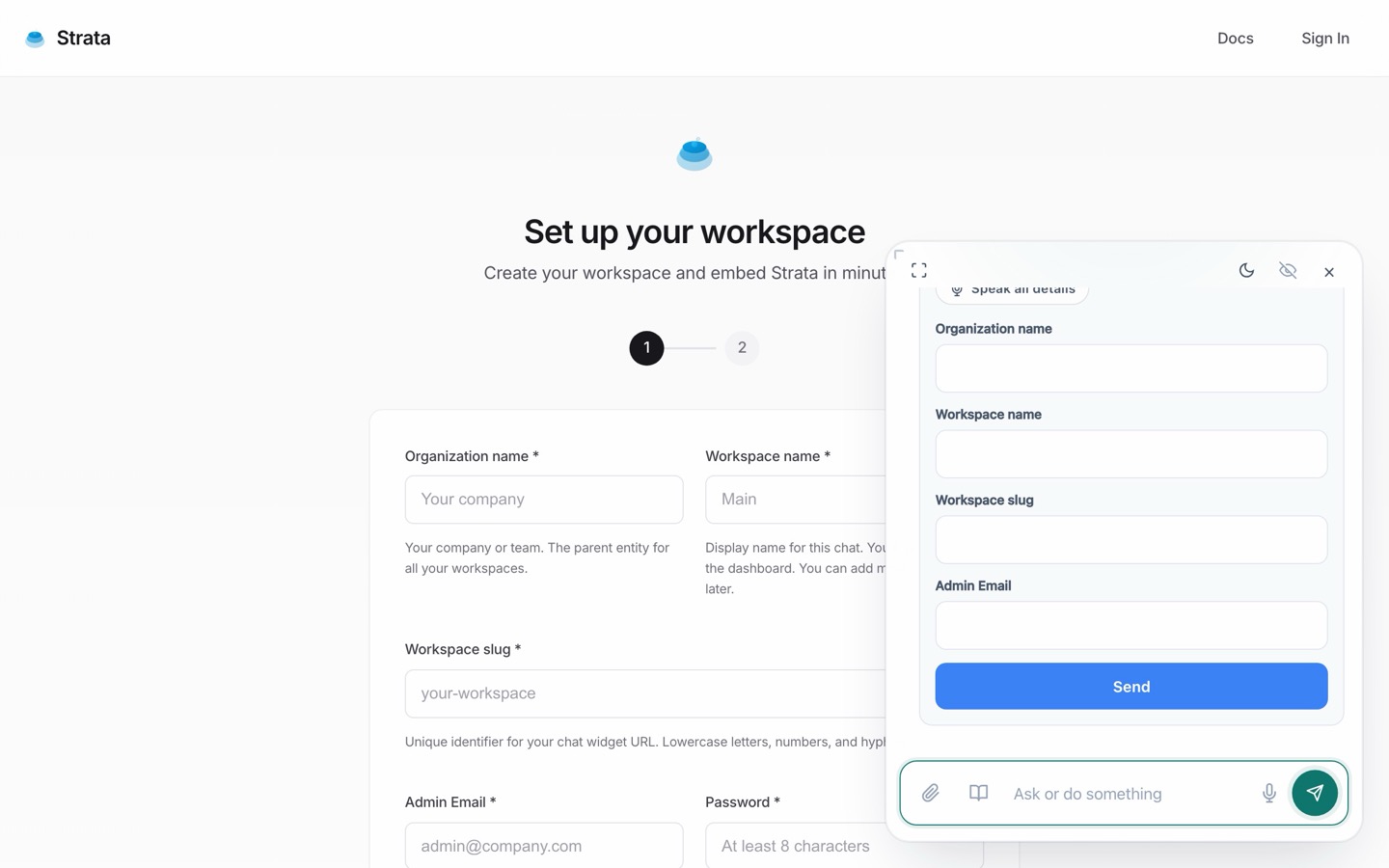
Create your workspace
One short form. Or just tell the chat, and it fills the form with you.
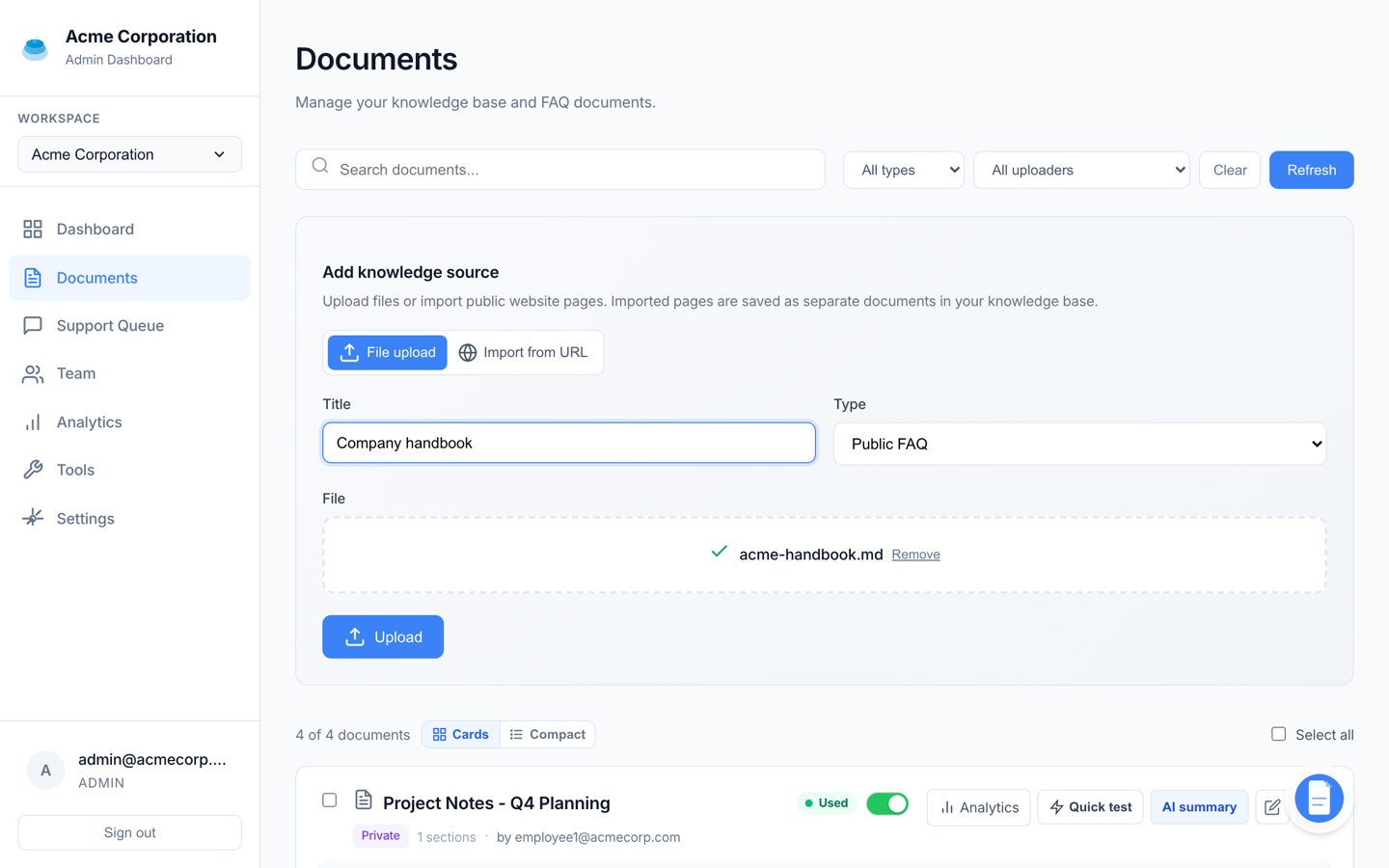
Upload as workspace or user
People join your workspace from the chat itself. Upload for the whole workspace, or for one member. Either way the documents stay scoped to your workspace.
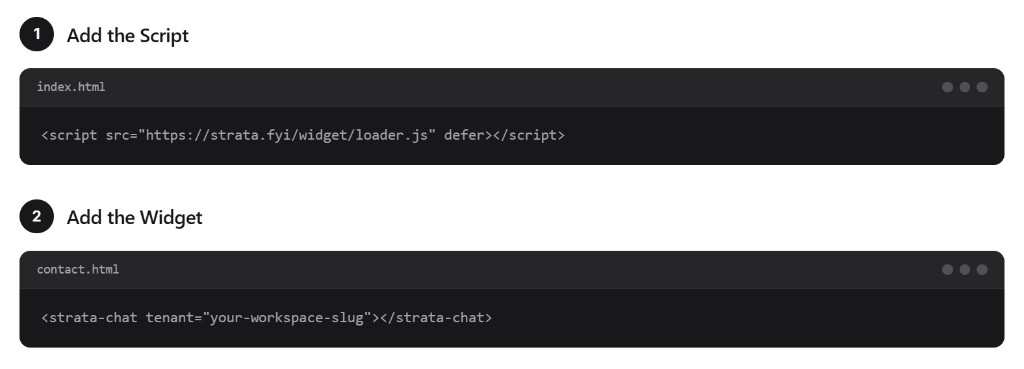
Add it to your site
An iframe, or a single script tag. Works with any stack.
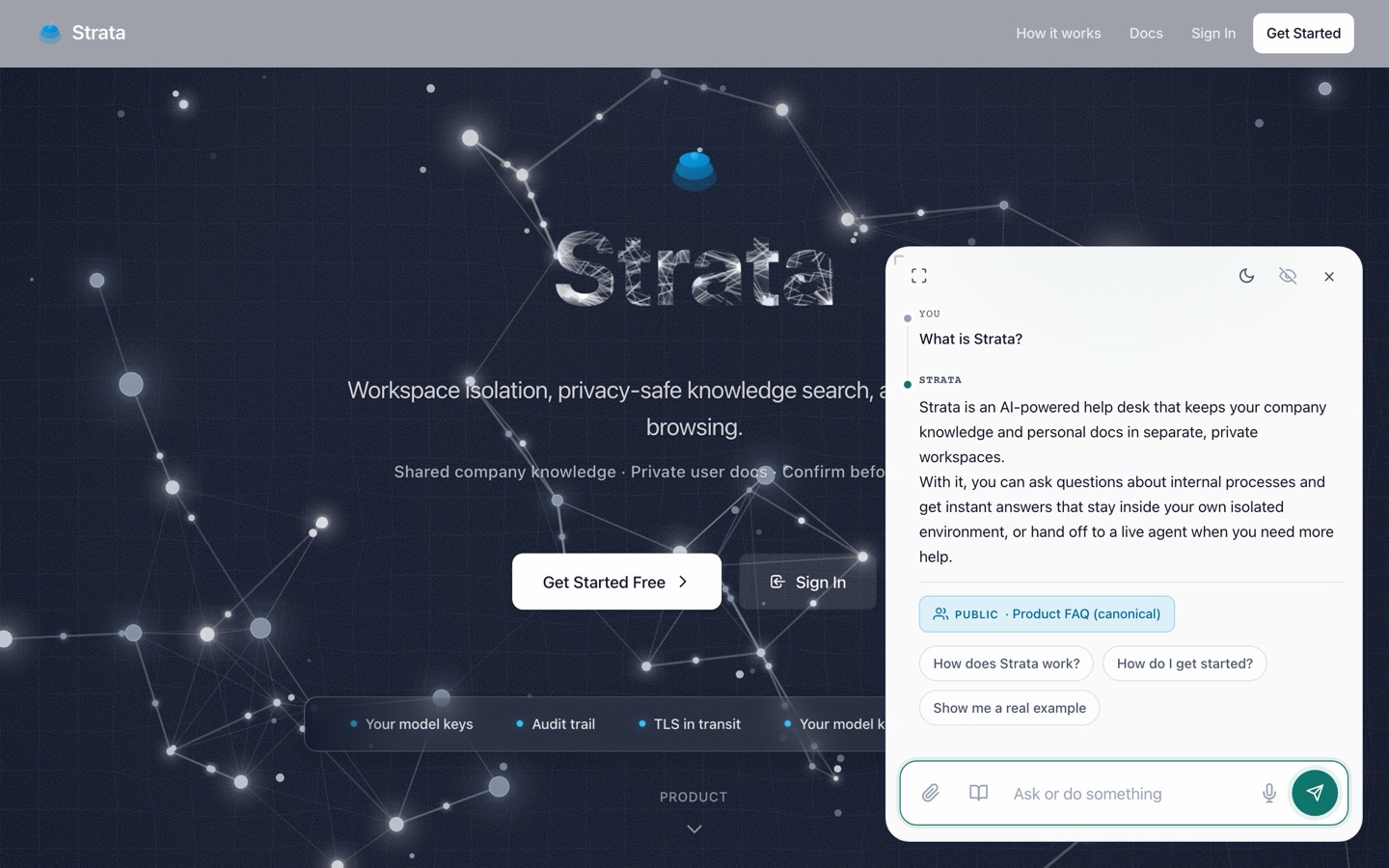
Answers from your docs
Grounded in what you uploaded, workspace and user docs alike. Retrieval never leaves your workspace.
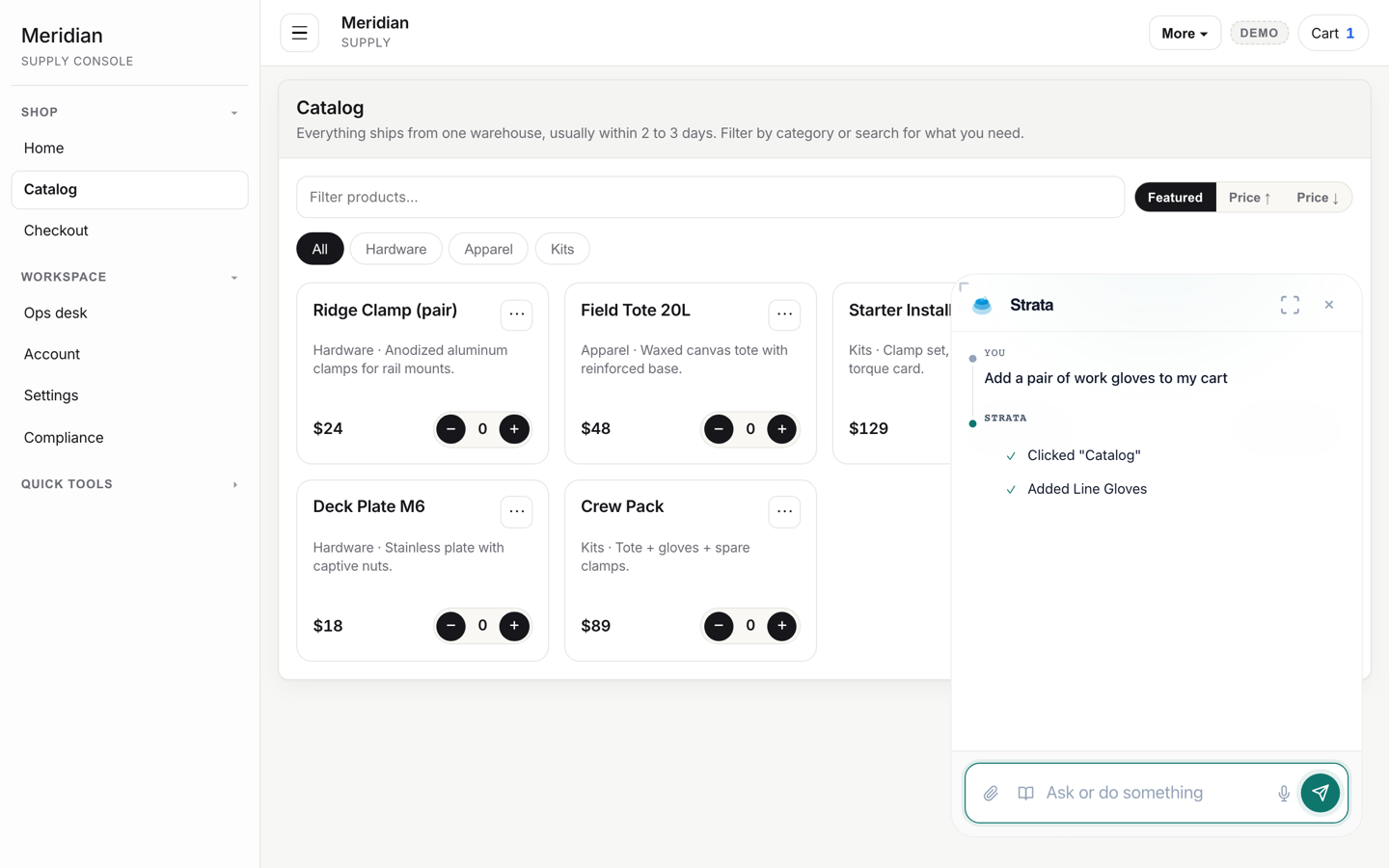
Acts on the page
The agent reads the host page, fills forms, and clicks through flows. Anything like submit or pay waits for your user to confirm.
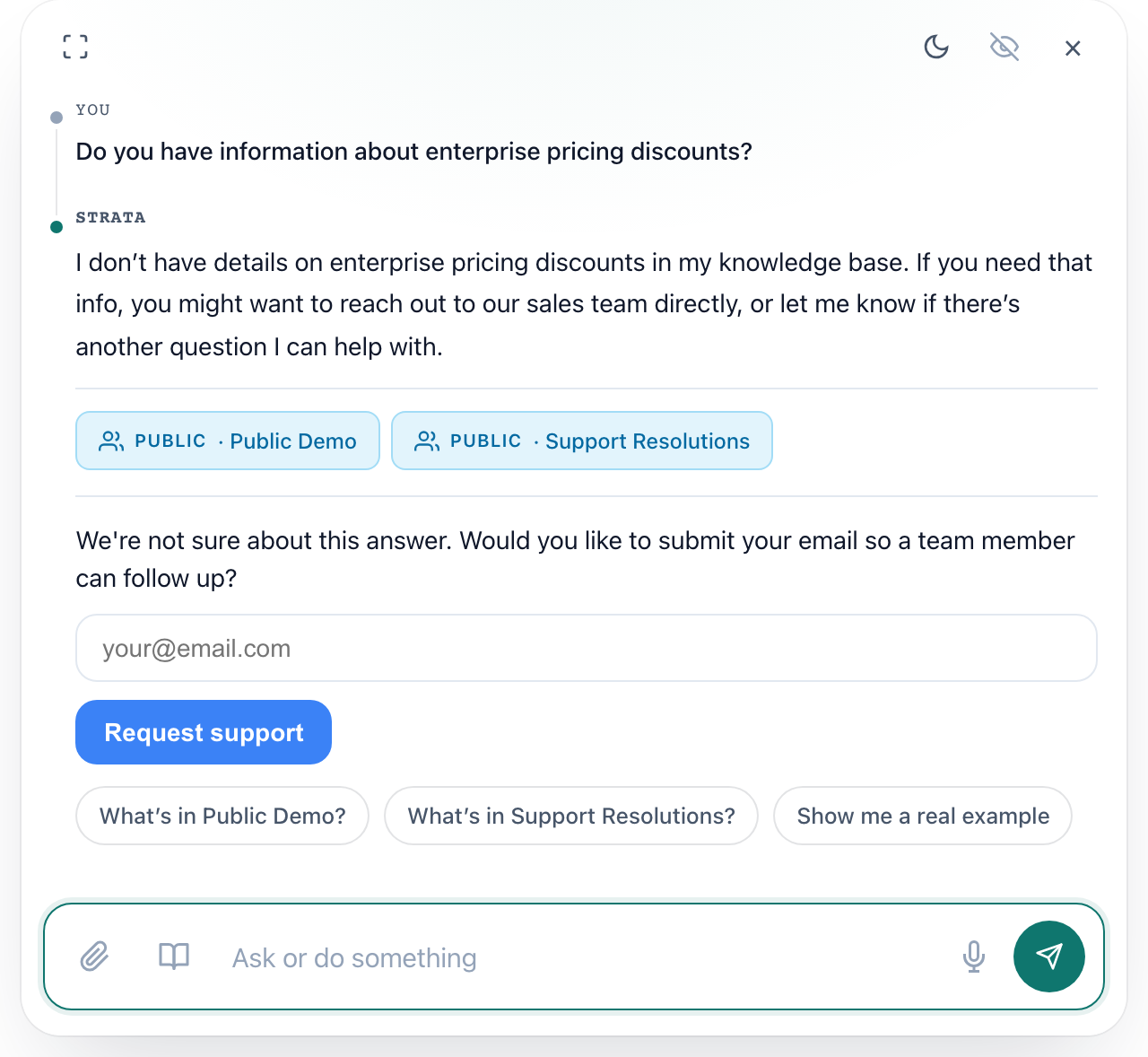
Human handoff
One click when the AI is out of answers. Your team gets the full conversation.
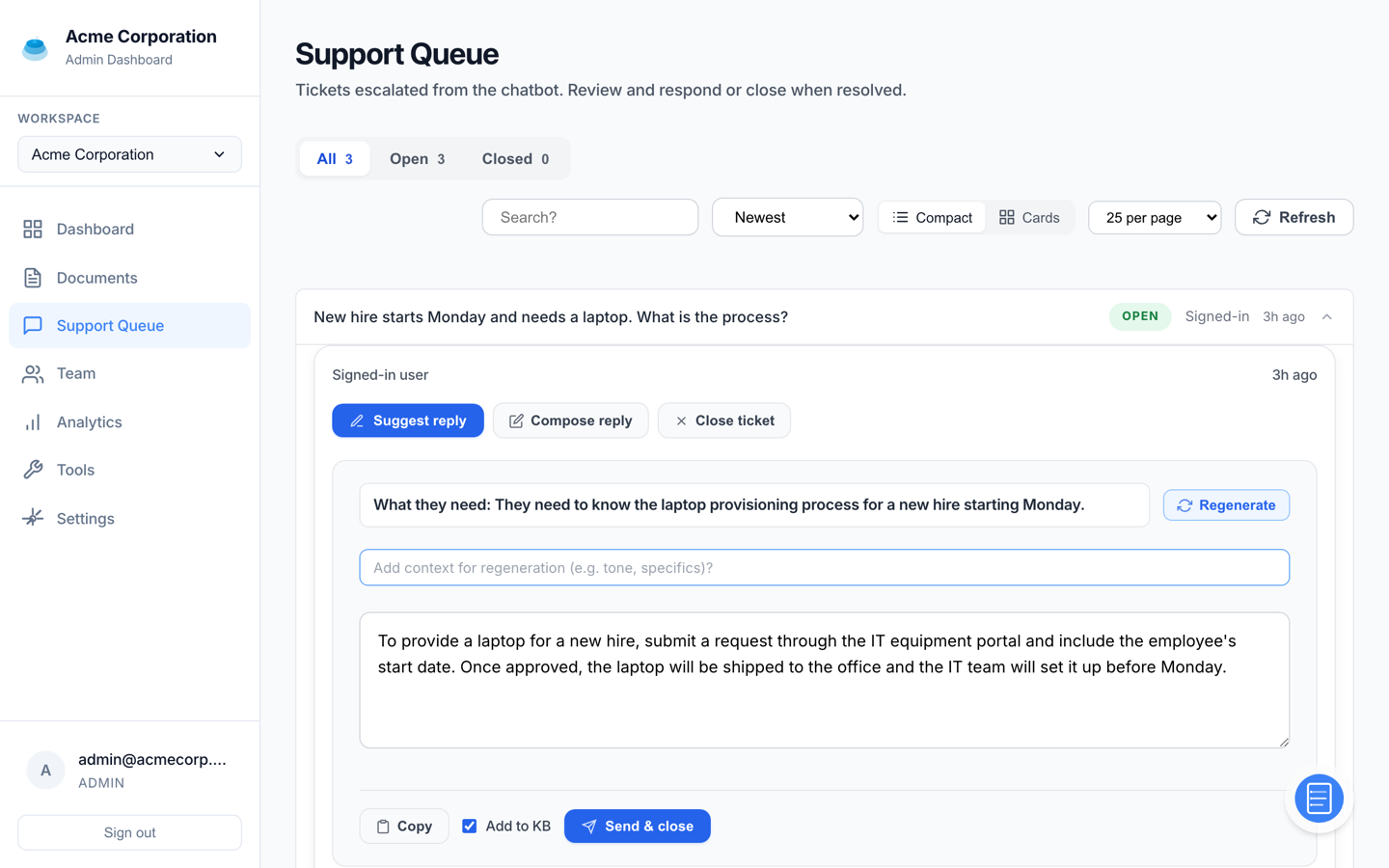
A support queue that learns
Tickets in one place, with suggested replies and related tickets. Resolutions flow back into the knowledge base.
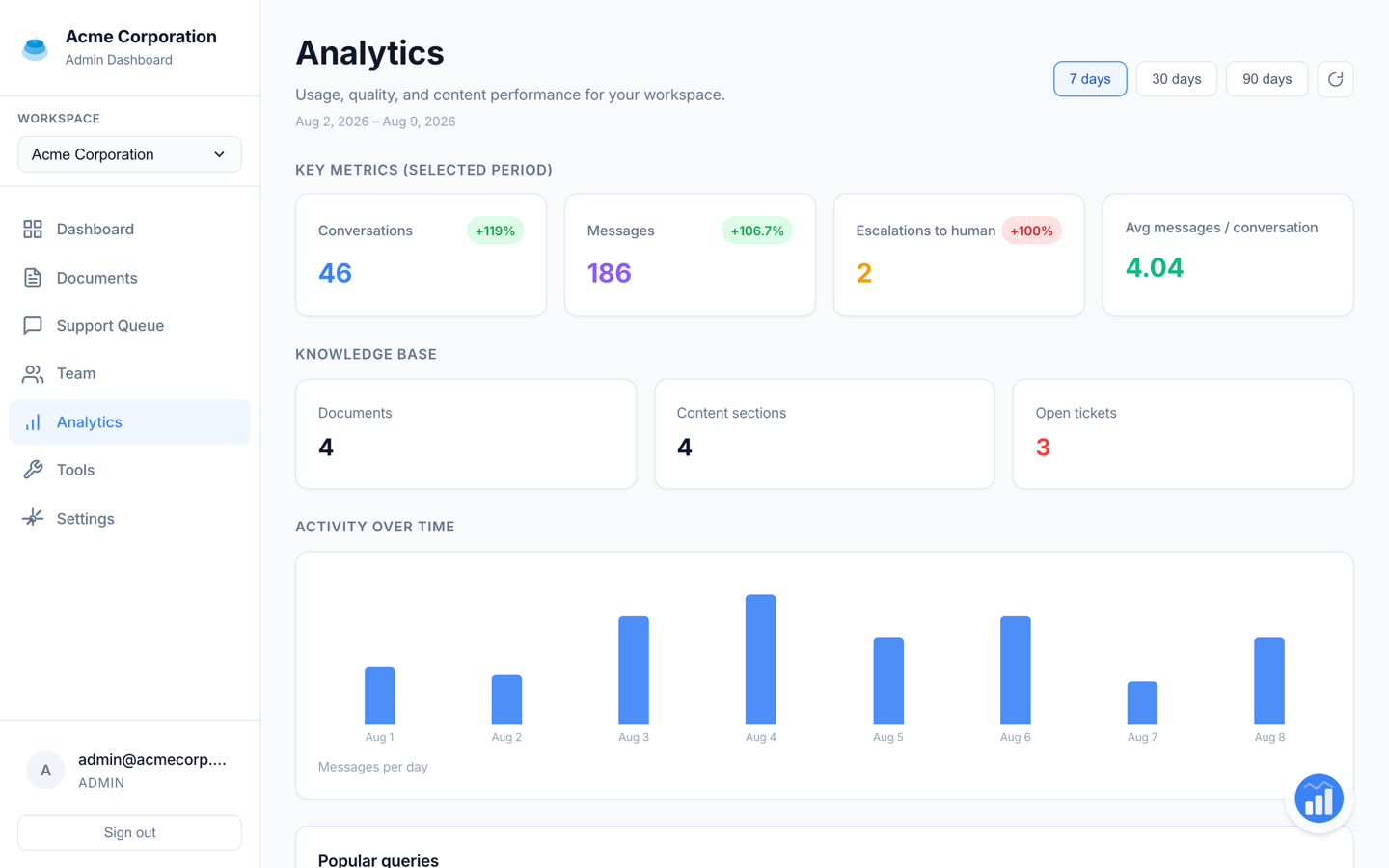
Analytics
Conversations, escalations, and popular queries. See where support needs attention.